We are constantly improving the product to make it easier, simpler, and better. Below we describe the major changes in each release to help you understand and take advantage of the products evolution.
We are excited to bring you an exciting UI refresh! Here are the major changes.
1) New Home Page: "Customers & Users"
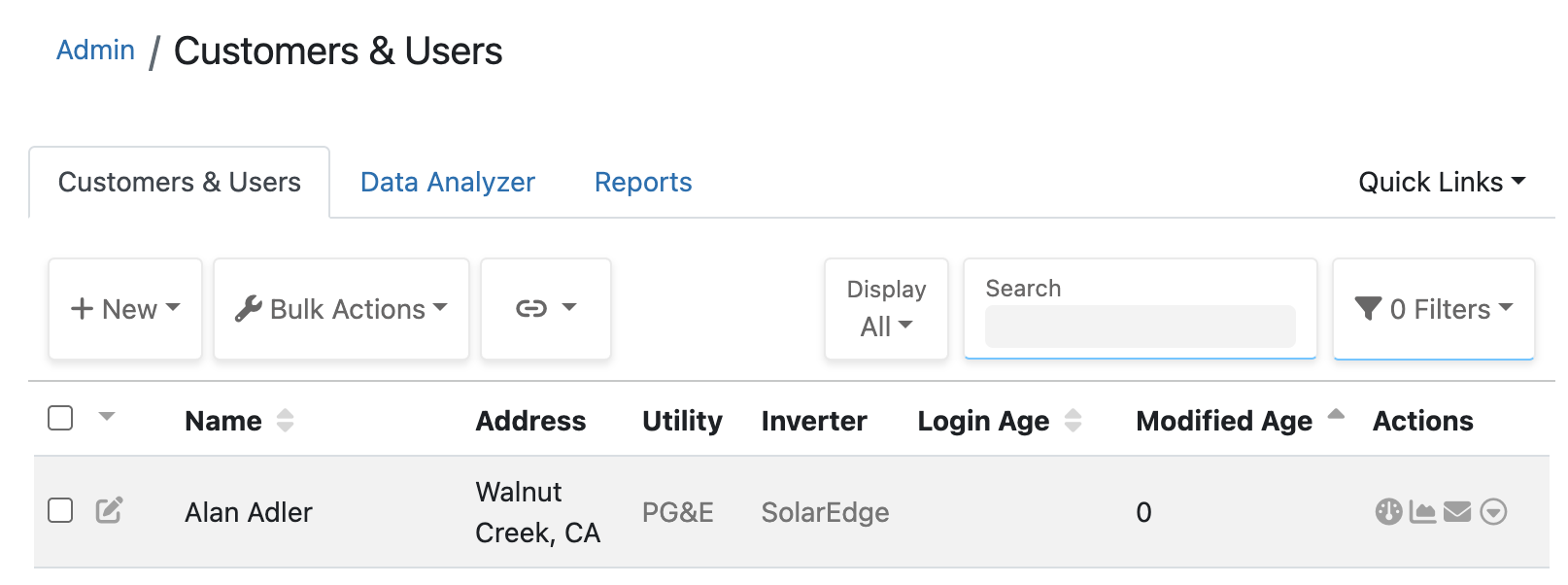
This is the User List, renamed to emphasize customers, and is now the home page when you first login. This list is also now sorted by modified age, with the most recently modified are first. You can still sort the list by Name if you want, or you can filter it by "My Modified" to see just users that you have modified.
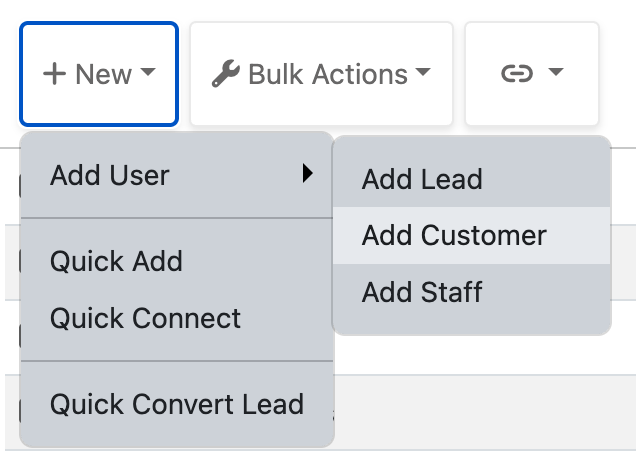
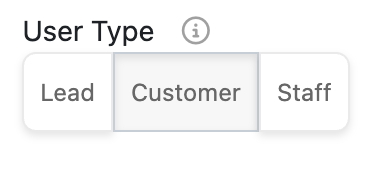
We have three types of users to help organize and filter: Leads, Customers and Staff. Leads are pre-sale, Customers are post-sale, and Staff are internal people like Admins and Salespeople - all of which are Users that can log into our system. This release helps emphasize these types, including making it an actual choice (rather than implied) when creating or editing a User.
 |
 |
2) Updated Look
We have improved the user interface to be more modern, simple, clean and mobile-friendly. This includes the filter/action bar at the top of most pages, lists and reports. Note that this is mostly visual changes and organization, almost no functionality or features have been removed.
Example: Customer & User list
Example: Scenario Report
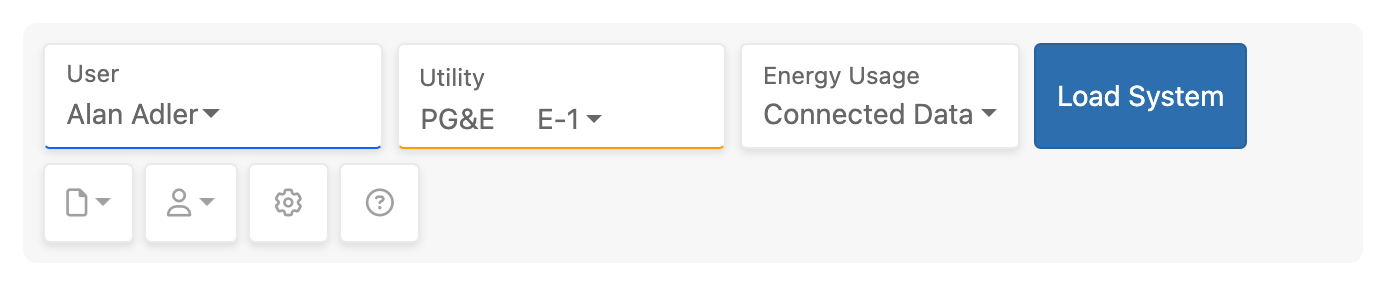
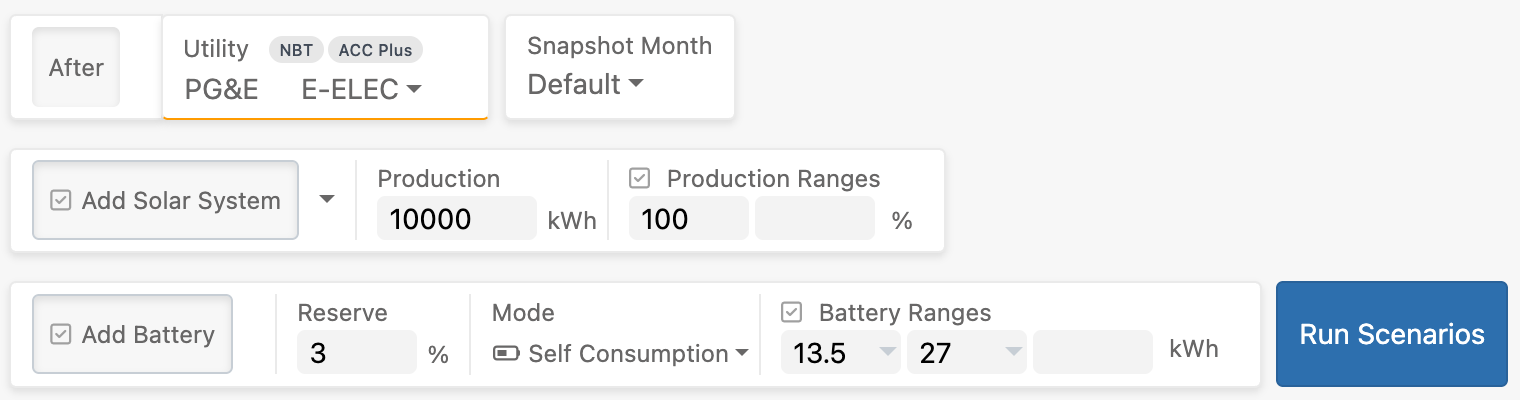
Any actions (including Edit User and View Graphs) are still there, and have been organized in dropdown buttons below the main selections.
3) Updated Utility Rate picker
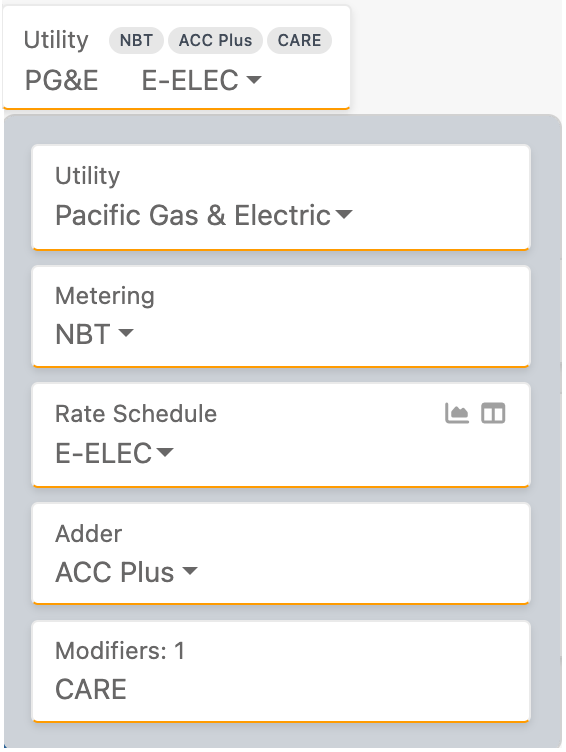
We also have a new simpler Utility Rate picker. Seen above, the default is to show the Utility and Rate Schedule. Clicking on this expands the multiple selections, including Utility, Metering, Rate Schedule, and possible Adders and Modifiers. Choices other than Utility and Rate Schedule are shown as badges.
4) Updated User Dashboard
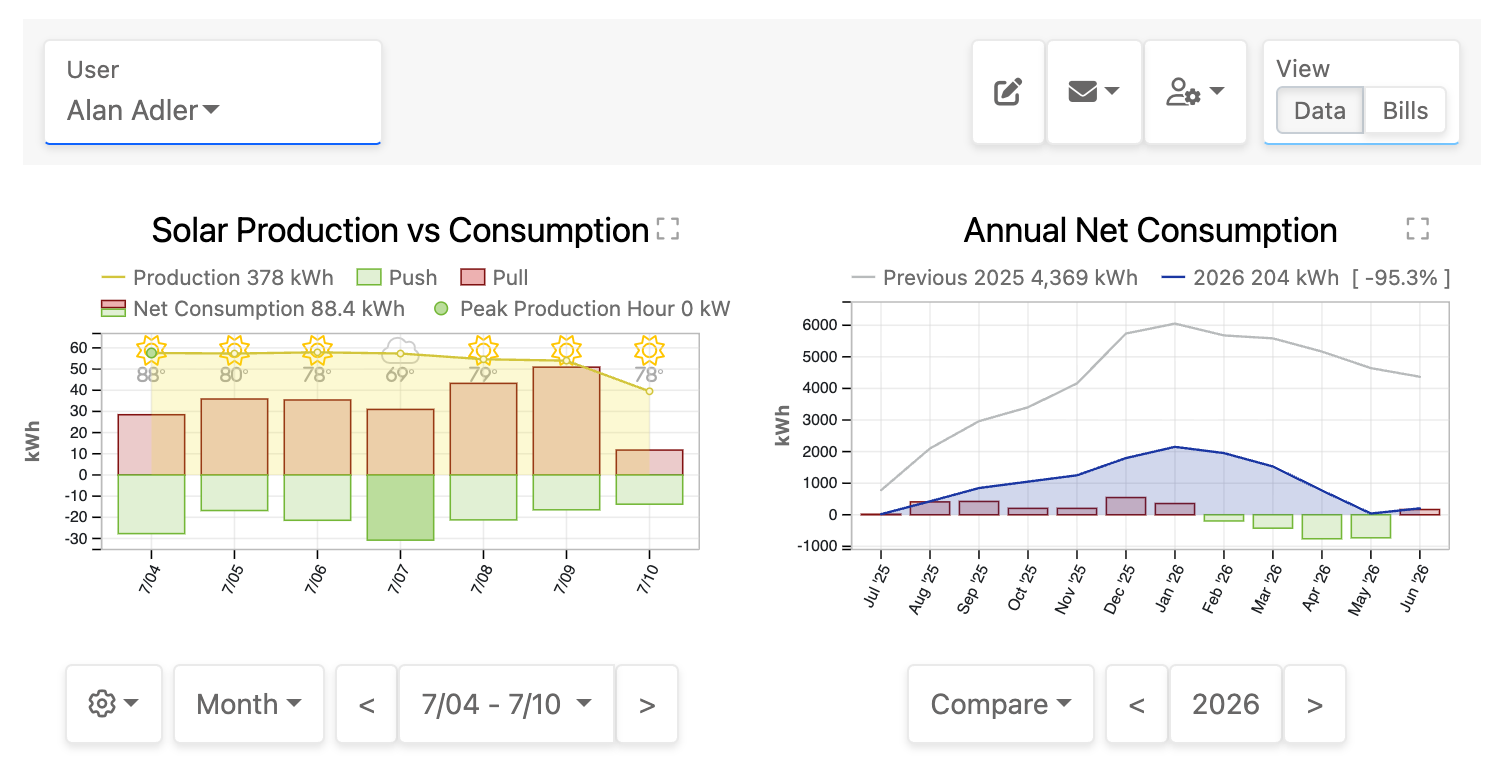
We have enhanced the User Dashboard for Admins and Salespeople. This is now the default page you are taken to post connection, and you can get to it easily from just about anywhere (especially the User List and Data Analyzer). You can now do just about anything from this page, including viewing the data, connecting, sending emails, editing the user, importing/exporting interval data, etc.
5) Updated Report list
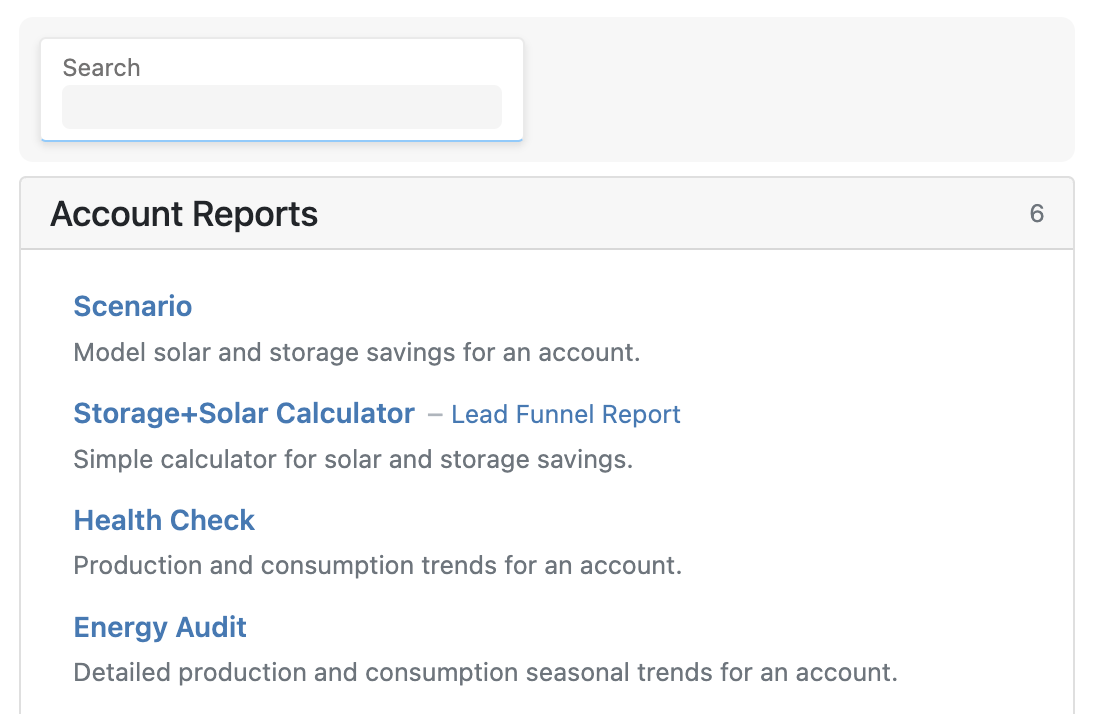
The report list now was a brief description for each report, and a search bar to find the report you want.
These changes should make using the product easier to use. Let us know what you think! Email product support with any questions or suggestions.
Solar Data Pros: Trust The Data®
