In October 2026, SolarEdge changed their process for sending solar production information. This change requires users who had their SolarEdge data connected prior to October 2026 to re-authorize the sharing of their solar data, allowing continued monitoring of solar production.
Reauthorizing your SolarEdge data sharing is very easy to do. The steps for this simple process are listed below:
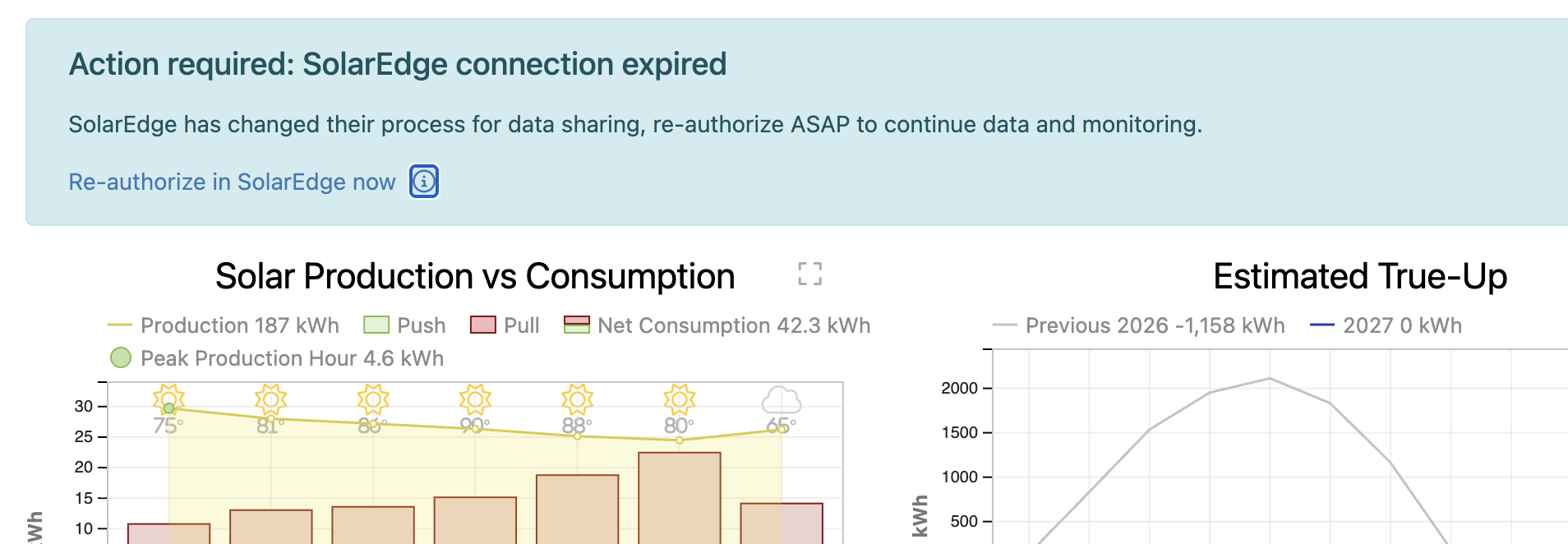
- From your dashboard, you will see a banner with the title "Action required: SolarEdge connection expired". Click the link that says "Re-authorize in SolarEdge now".
- Login to SolarEdge Monitoring next using your username and password.
If you don't remember your password, click Forgot your password?.
NOTE: use your SolarEdge login, which may be different than your product login.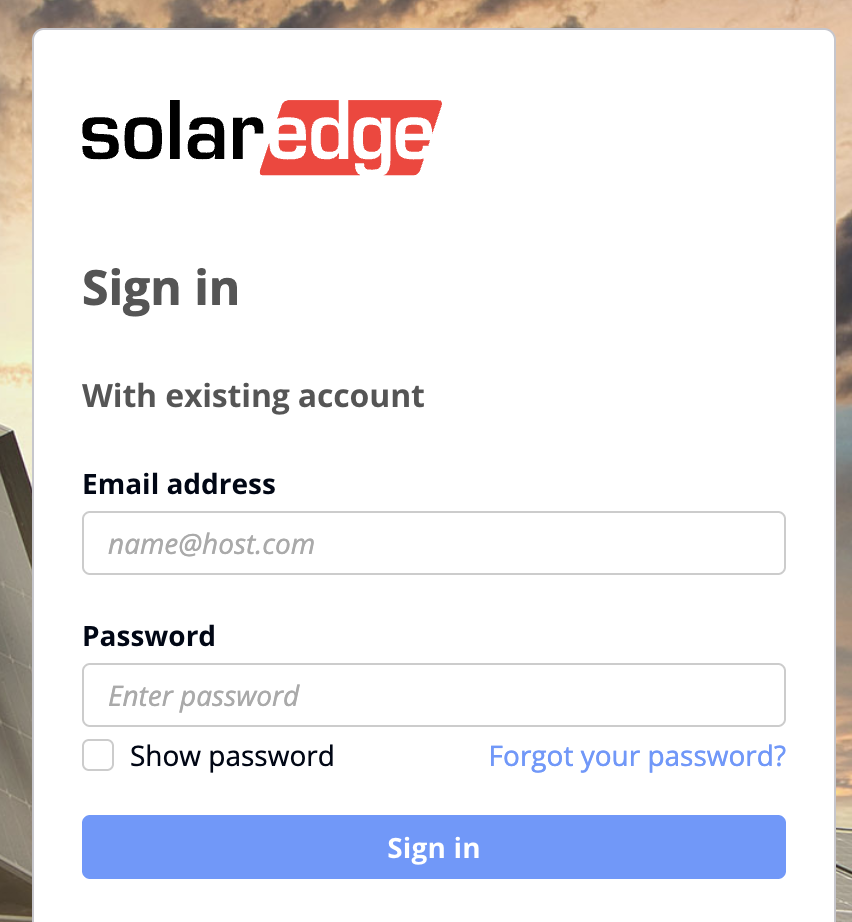
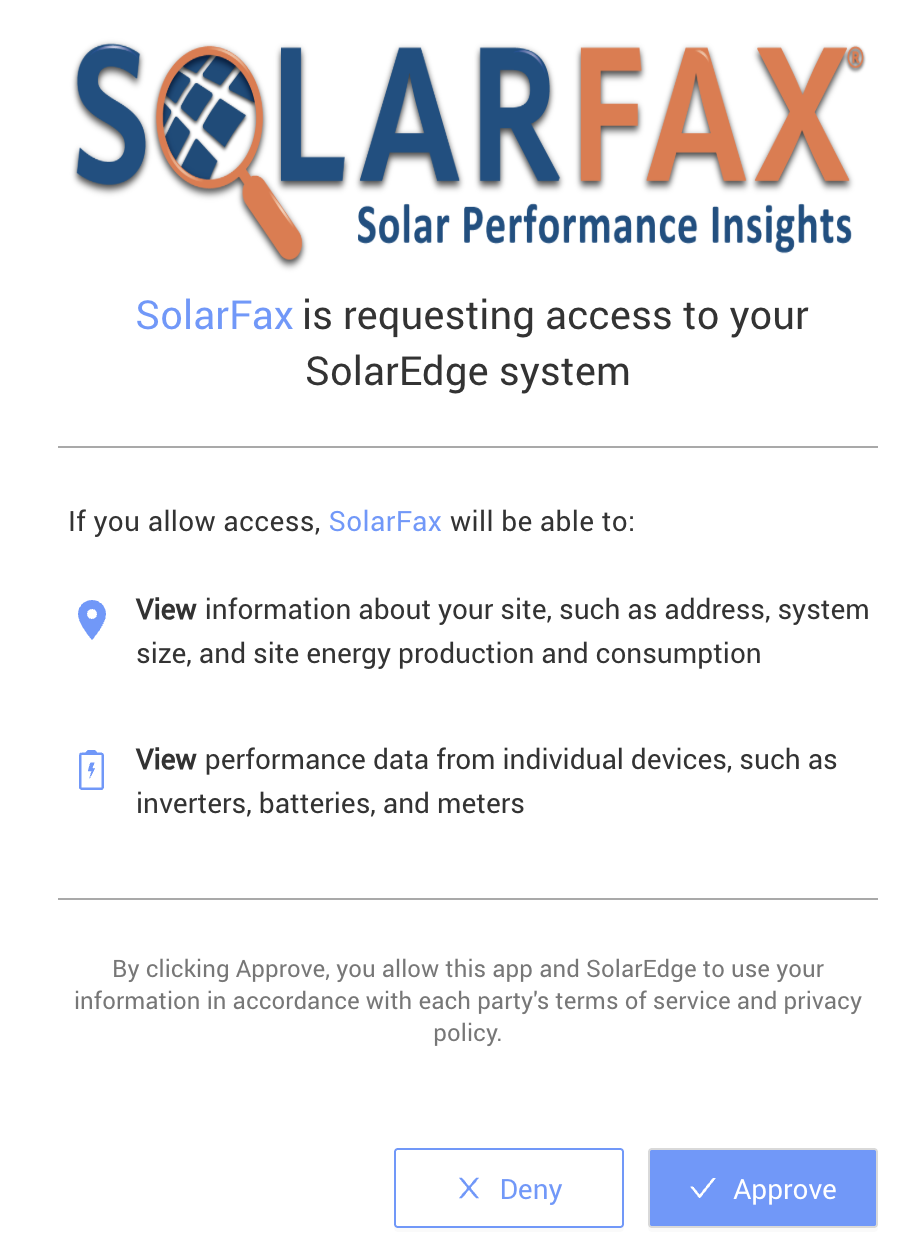
- From the SolarEdge authorization page, click "Approve".
- You will return to your dashboard and see the message "SolarEdge account re-authorized successfully", and the banner from step 1 will be gone.
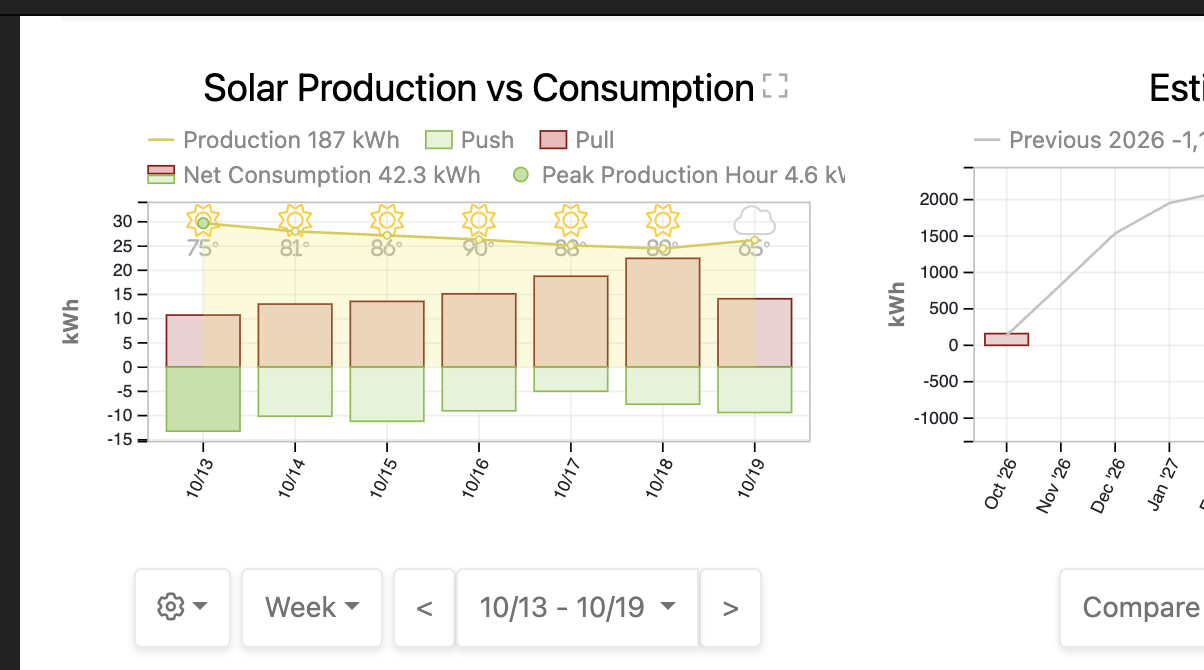
You have successfully re-authorized your SolarEdge connection!
For additional assistance, contact:
Leroy Coffman, Onboarding Specialist
Email: leroy@solardatapros.com
Phone: 559-260-3393
Tags: SolarEdge API V1 to V2
